

AI swing analysis is most useful when a clear clip leads to a limited, testable practice idea. A single phone video can show visible positions and motion clues; it cannot establish repeatability or replace measured impact data.
What a clip can support
Stubbs can use the visible angle to discuss setup, balance, swing phases and movement patterns that can actually be seen. Tell Stubbs the club, intended shot and usual miss so those observations have context.
A normal phone clip cannot reliably measure exact face angle at impact, club path, ball speed, spin or carry. Those measurements require suitable equipment and conditions. Likewise, a score in an AI report is coaching feedback within this service, not an independently validated handicap or guarantee of future scoring.
Record enough context without a long video
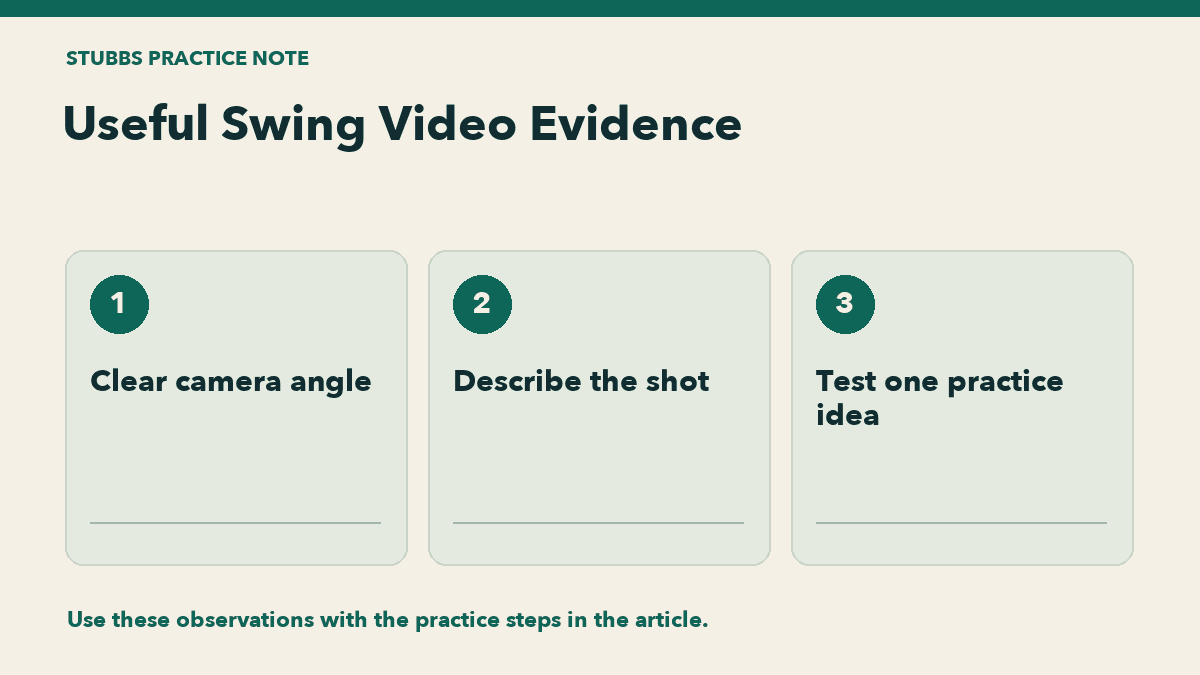
- Use a steady phone and good light. Keep the whole golfer, club and ball visible.
- Choose a clear face-on or down-the-line view. Keep the camera outside the hitting area and the path of other golfers.
- Trim the clip to one swing, within the site’s 15-second upload limit.
- Describe the club, lie and intended flight. Distinguish what you observed from what you think caused it.
- If comparing sessions, use a similar angle and record the practice conditions.
Turn feedback into a small test
Choose one suggested drill and try a short, comfortable practice set. Record contact and ball flight before deciding whether to keep it. A movement that looks different on video is not automatically a better scoring outcome.
Saved reports can help organize observations over time, but repeatability needs multiple swings and results. Ask a qualified coach for a closer assessment when the footage is unclear or the advice does not fit the actual shot. For recording detail, see how to film a swing. Start with free Stubbs web chat, or upload a swing when you want a video review.
